Công cụ
Built-in AI tools to extend AI capabilities and give you better answers.
AI Canvas: Turn any idea into clear visuals with a single command
AI Canvas is an AI‑powered visual panel in Doraverse where AI agents render and execute generated artifacts — from JSON configurations and UI components to full pages, charts, and documents.
Each AI Canvas opens as a separate UI window in your chat, running outputs like JSON and HTML/CSS/JS and turning them into live UI previews, charts, and other visuals next to your messages. No extra setup — just describe what you want and watch it build.
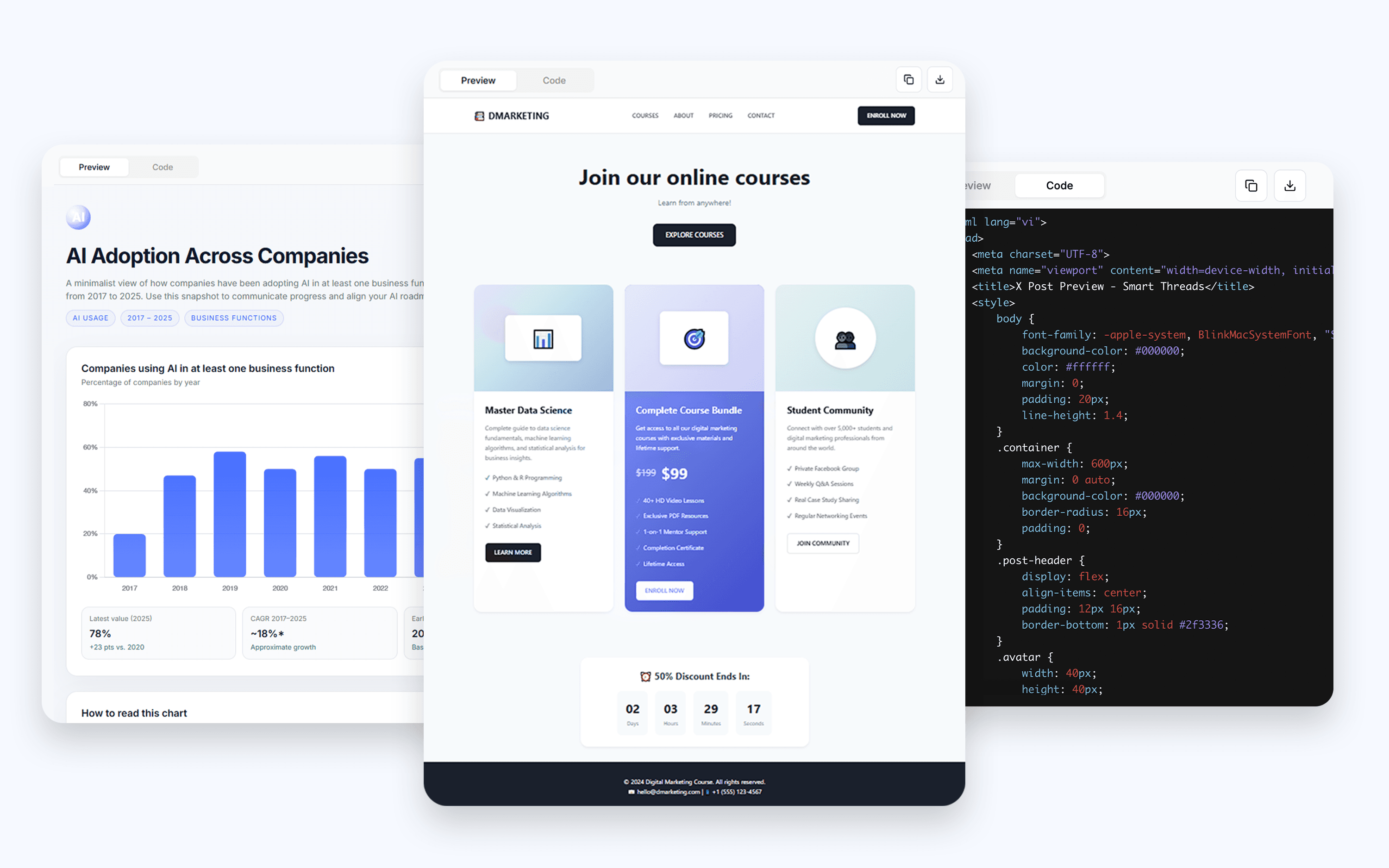
What you can do with AI Canvas:
Dashboards and reports with filters, tooltips, and dark mode
CSV to live report, with KPI tiles, trends, cohorts, outliers and more
Email HTML with branded styling
Campaign microsites and landing pages — responsive and fast
React components and app screens (forms, tabs, modals, validation,...)
Diagrams and data stories—org charts, architecture maps, funnels
Knowledge and help — product tours, interactive guides, JSON/log viewers
...and endless use cases are waiting for you. If you can imagine it, AI Canvas can bring it to life.
Where to find AI Canvas in Doraverse?
In the chat space, navigate the chat bar and select Tools — you’ll see AI Canvas listed under Tools.
Tham gia Cộng đồng Doraverse
Bạn có câu hỏi? Liên hệ tại đây.