Doraverse for Design
Turn design ideas into images and video
Generate, refine, and animate visuals with leading image and video models in one secure workspace.


What do you want to create?
Features
Features
Everything you need to create visuals
Create images, bring them to life as video, and refine every detail through chat.
Everything you need to create visuals
Create images, bring them to life as video, and refine every detail through chat.
Everything you need to create visuals
Create images, bring them to life as video, and refine every detail through chat.
Text to image
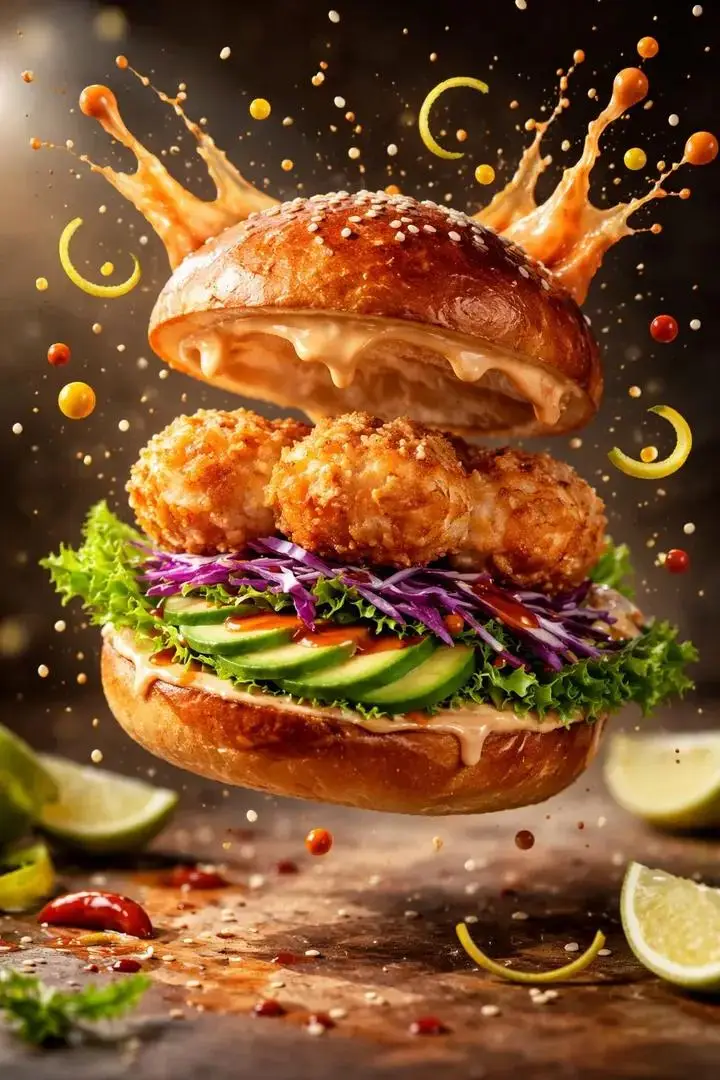
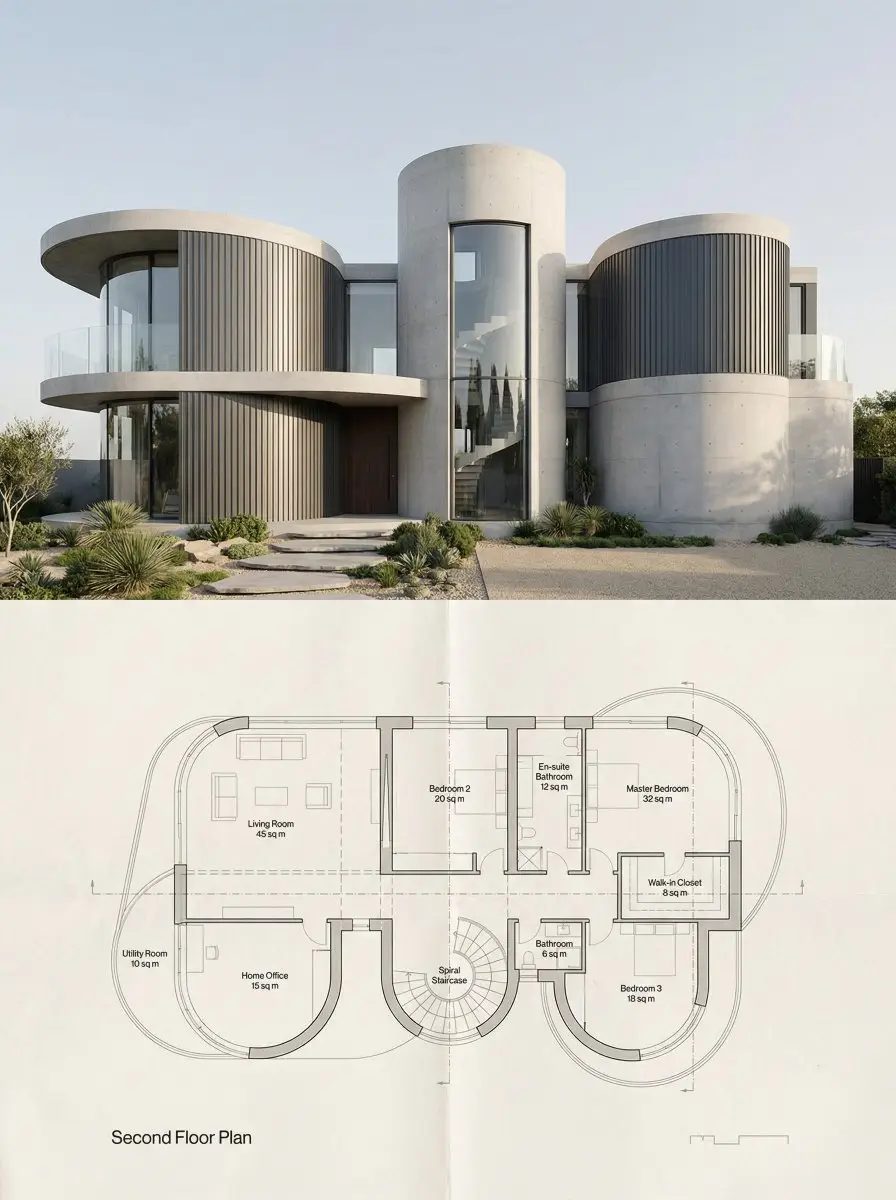
Describe a concept and get one to four images in the model, ratio, and resolution you choose.
Image to video
Turn a prompt or reference image into a short video up to 1080p using state-of-the-art AI video generation models.
Image editing
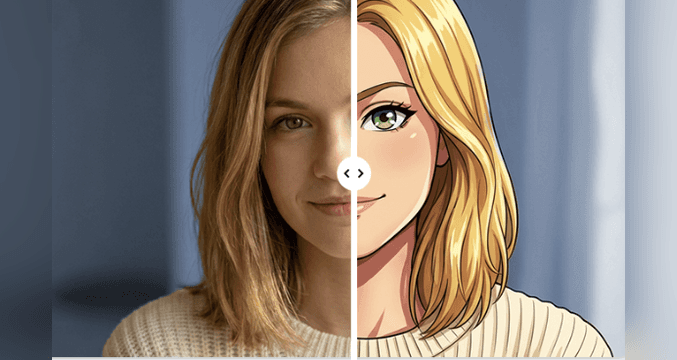
Start from your own image and refine the result through chat without starting over.

Style presets
Optimize your prompt and apply a ready-made style before you generate.
Explore
Browse example creations when you need a spark of inspiration.

Gallery
Download, recreate, or reuse any asset you made as a new reference.
AI models
AI models
Leading image and video models in one place
Pick the right model for every visual without switching between tools.
Leading image and video models in one place
Pick the right model for every visual without switching between tools.
Leading image and video models in one place
Pick the right model for every visual without switching between tools.
Image models
 scale(1 1) translate(-0.09936196796874697, -0.4063341427734315)" id="JyyRajjB4-2499585746-radial-gradient" r="1.0643753318591636"><stop offset="0" stop-color="rgb(145, 104, 192)"/><stop offset="1" stop-color="rgb(27, 161, 227)"/></radialGradient></defs><path d="M 40 20.039 C 29.258 20.695 20.695 29.258 20.039 40 L 19.961 40 C 19.305 29.258 10.742 20.695 0 20.039 L 0 19.961 C 10.742 19.305 19.305 10.742 19.961 0 L 20.039 0 C 20.695 10.742 29.258 19.305 40 19.961 Z" fill="url(%23JyyRajjB4-2499585746-radial-gradient)" height="40px" id="JyyRajjB4" width="40px"/></svg>)
Nano Banana 2.1
Nano Banana Pro
" height="40px" id="WMJLAoRPa" width="40px"/></svg>)
ChatGPT-Image-2.0
OpenAI
" height="40px" id="ePYEvVFCC" width="40px"/><path d="M 11.339 18.177 L 25.322 4.049 L 25.322 4.063 L 29.36 0 C 29.288 0.104 29.215 0.204 29.143 0.305 C 26.074 4.556 24.576 6.635 25.778 11.837 L 25.771 11.829 C 26.6 15.369 25.713 19.296 22.849 22.176 C 19.239 25.811 13.461 26.619 8.704 23.348 L 12.021 21.804 C 15.057 23.003 18.38 22.476 20.767 20.075 C 23.155 17.673 23.691 14.176 22.491 11.264 C 22.263 10.713 21.579 10.574 21.101 10.93 Z M 9.325 19.938 L 9.322 19.941 L 0 28.318 C 0.591 27.499 1.325 26.725 2.057 25.951 C 4.121 23.769 6.17 21.606 4.92 18.55 C 3.247 14.46 4.221 9.667 7.321 6.549 C 10.543 3.311 15.288 2.495 19.251 4.135 C 20.128 4.463 20.893 4.929 21.488 5.363 L 18.179 6.9 C 15.098 5.6 11.567 6.484 9.413 8.651 C 6.499 11.579 5.91 16.657 9.325 19.938 Z" fill="rgb(255, 255, 255)" height="28.31750218378914px" id="ZCDLu8Fhh" transform="translate(5.313 5.847)" width="29.36031295776357px"/></g></svg>)
Grok Image
xAI
Video models
Veo 3.1
Veo 3.1 Fast
Veo 3
Grok Image Video
xAI
FAQs
FAQs
Questions from design teams
Answers about models, inputs, and how to refine your results.
Questions from design teams
Answers about models, inputs, and how to refine your results.
Questions from design teams
Answers about models, inputs, and how to refine your results.
What can designers create with Doraverse?

Designers create images from text, turn prompts or reference images into short videos up to 1080p, and edit their own images through chat. Style presets and prompt optimization help get a usable result faster, and every asset is saved in a gallery where it can be downloaded or reused as a new reference.
Which AI image and video models does Doraverse support?
Doraverse brings leading models into one workspace. Image models include Nano Banana 2.1, Nano Banana Pro, and ChatGPT-Image-2.0. Video models include Veo 3.1, Veo 3.1 Fast, Veo 3, and Grok Image Video. You pick the right model for each visual without switching tools. See all AI models.
How do I generate images from text in Doraverse?
Describe your concept in AI Studio, then choose the model, aspect ratio, and resolution. Doraverse returns one to four images per prompt. Apply a style preset or let AI optimize your prompt first, then refine the best result through chat until it matches your idea.
Can Doraverse turn an image into a video?
Yes. Start from a prompt or upload a reference image, and Doraverse generates a short video up to 1080p with state-of-the-art AI video models such as Veo 3.1. You can try the fast variant for quick drafts, then render the final version with a higher-quality model.
Can I edit my own images with AI instead of starting over?
Yes. Upload your image and describe the change, such as a new background, color, or style, and refine the result step by step through chat. Because each edit builds on the previous one, you keep what already works instead of regenerating the whole image.
Can designers and marketers work on visuals together in Doraverse?
Yes. Designers and marketers share one workspace, so prompts, references, and generated assets stay in a shared gallery that anyone on the team can reuse. Marketers can request visuals for a campaign, and designers refine them in the same place. See the marketing use case.
What can designers create with Doraverse?
Designers create images from text, turn prompts or reference images into short videos up to 1080p, and edit their own images through chat. Style presets and prompt optimization help get a usable result faster, and every asset is saved in a gallery where it can be downloaded or reused as a new reference.
Which AI image and video models does Doraverse support?
Doraverse brings leading models into one workspace. Image models include Nano Banana 2.1, Nano Banana Pro, and ChatGPT-Image-2.0. Video models include Veo 3.1, Veo 3.1 Fast, Veo 3, and Grok Image Video. You pick the right model for each visual without switching tools. See all AI models.
How do I generate images from text in Doraverse?
Describe your concept in AI Studio, then choose the model, aspect ratio, and resolution. Doraverse returns one to four images per prompt. Apply a style preset or let AI optimize your prompt first, then refine the best result through chat until it matches your idea.
Can Doraverse turn an image into a video?
Yes. Start from a prompt or upload a reference image, and Doraverse generates a short video up to 1080p with state-of-the-art AI video models such as Veo 3.1. You can try the fast variant for quick drafts, then render the final version with a higher-quality model.
Can I edit my own images with AI instead of starting over?
Yes. Upload your image and describe the change, such as a new background, color, or style, and refine the result step by step through chat. Because each edit builds on the previous one, you keep what already works instead of regenerating the whole image.
Can designers and marketers work on visuals together in Doraverse?
Yes. Designers and marketers share one workspace, so prompts, references, and generated assets stay in a shared gallery that anyone on the team can reuse. Marketers can request visuals for a campaign, and designers refine them in the same place. See the marketing use case.
Explore more
Doraverse for other teams
See how other teams use Doraverse to get everyday work done faster.
Marketing
Create content and campaigns faster with AI-powered workflows.

Sales
Speed up your pipeline with AI from first meeting to follow-up.
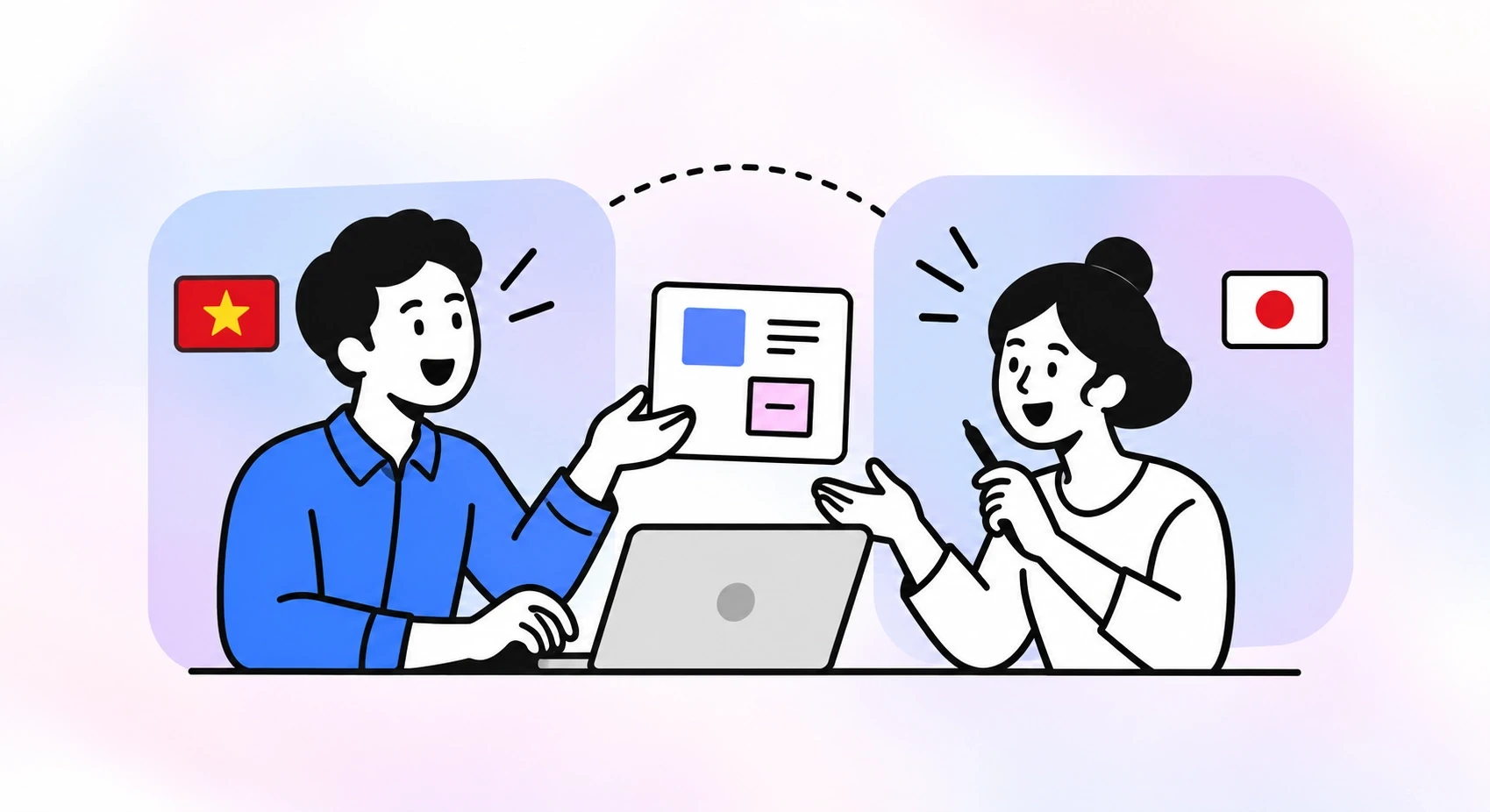
Japan–Vietnam Team
Run Japanese–Vietnamese meetings with live translation and bilingual notes, no interpreter needed.
Ready to supercharge
your team with AI?
Ready to supercharge
your team with AI?
14-day trial, no credit card required.